
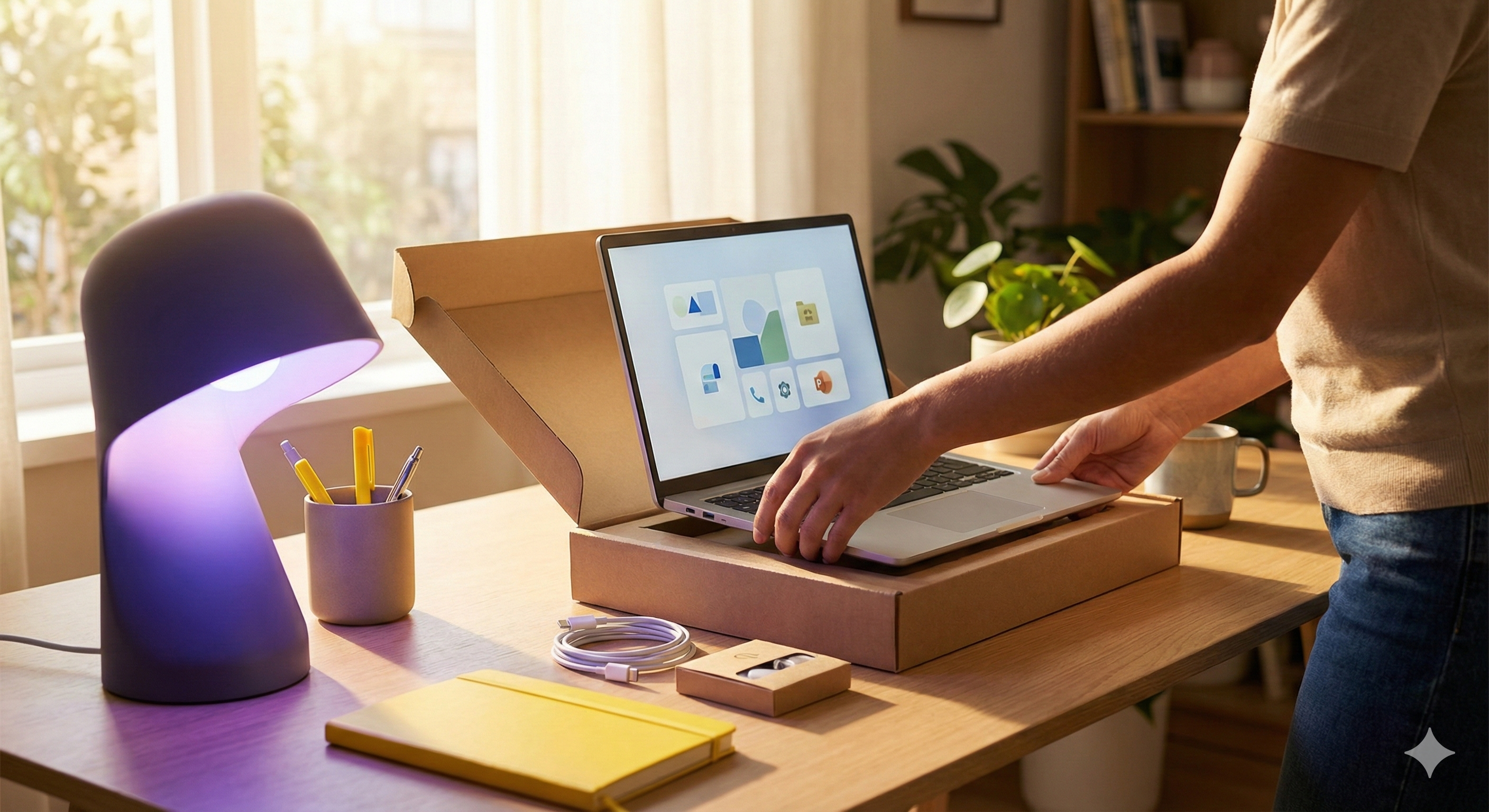
Modern Workplace
Make everyday work smoother.
We keep devices, access, and Microsoft 365 consistent so people can work securely on-site or remote. Clear standards reduce repeat issues and make support faster.
What you get
What you get
- Onboarding and offboarding kept consistent.
- Device standards and baseline policies.
- Secure access for on-site and remote work.
- Microsoft 365 structure that stays usable.
- Remote support that's quick to start.
- Ownership and documentation kept current.
MODERN WORKPLACE PREVIEW
See the working day after the baseline is in place
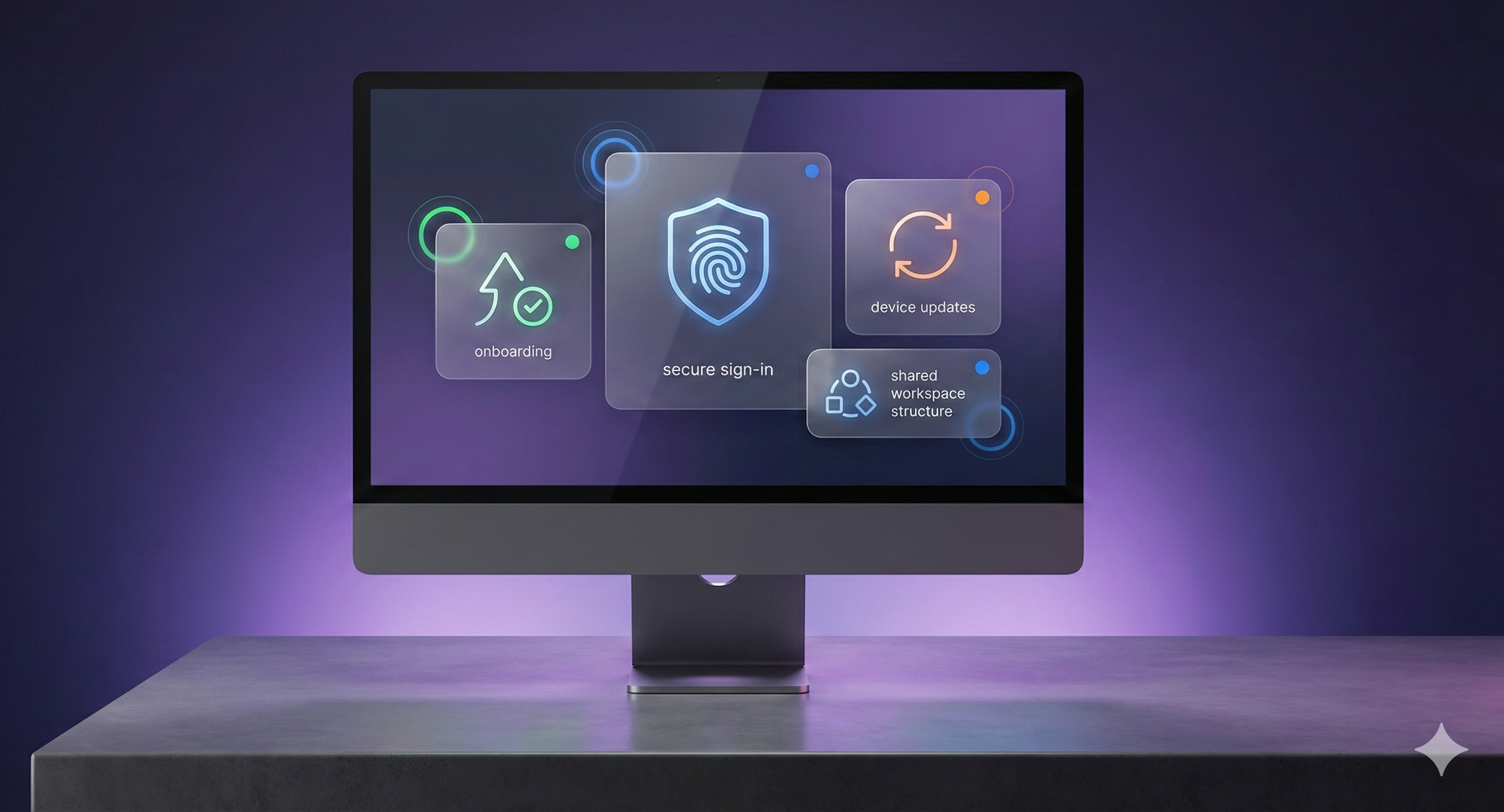
Five visible moments show how the baseline feels in day-to-day work: faster starts, safer access, consistent work from anywhere, aligned devices, and clearer shared spaces.

01
Onboarding
Access, devices, and shared work are ready from the first morning.
New starters arrive to a setup that feels ready. Access, devices, and shared work are in place so people can contribute from day one.

02
Secure sign-in
Safer access feels routine instead of disruptive to the working day.
Staff move through sign-in with less friction and fewer workarounds. The routine feels consistent whether they are in the office or remote.
03
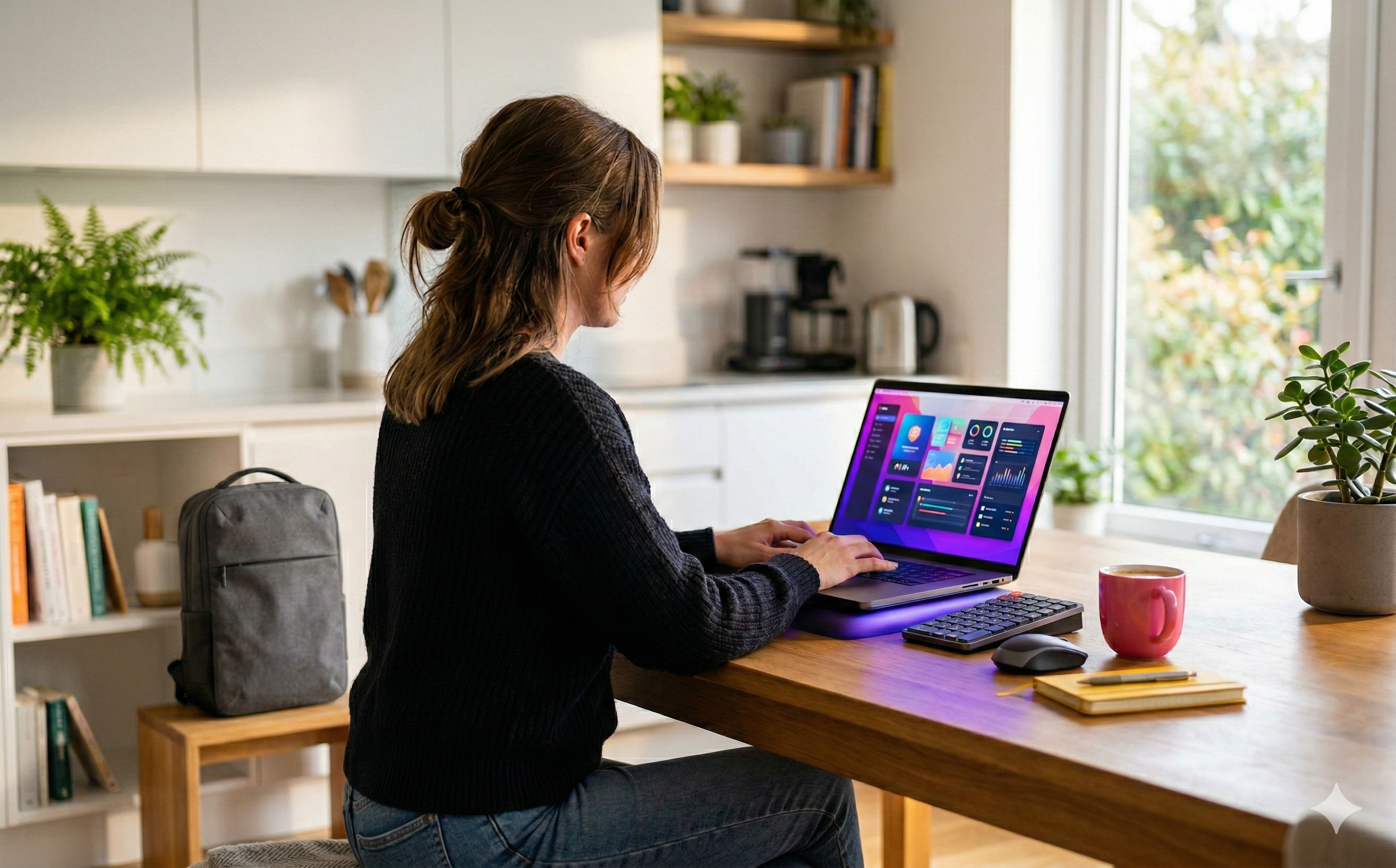
Work from anywhere
The same secure tools and files follow staff between home and office.
Work stays consistent on-site or at home. Staff sign in securely and access the same tools and files without workarounds. When something needs attention, remote help is quick.
04
Devices & updates
Consistent device standards make support cleaner and quicker to deliver.
Devices stay aligned to the same standard in the background. Support sees the same baseline, so issues are easier to resolve quickly.

05
Microsoft 365 structure
Shared spaces stay organised, owned, and easier to navigate.
Shared spaces follow a clearer structure, so people know where work lives. Ownership stays visible as teams grow and responsibilities shift.
Before and after the baseline
Move from ad-hoc setup and support noise to a standardised baseline that is easier to run every day.


Before
After
MICROSOFT FOUNDATION
Built on Microsoft 365.
Delivered using Microsoft 365 with identity and access, device management, and endpoint protection. Once the baseline is set, we keep standards consistent under ongoing support so the environment doesn’t drift.
Microsoft 365
The shared foundation behind access, devices, and day-to-day collaboration.
Identity & access
Secure sign-in and the right access at the right time.
Device management
Consistent standards for setup, updates, and day-to-day support.
Endpoint protection
Business devices stay protected without adding friction to work.
IN PRACTICE
What modern workplace looks like day to day
Small improvements that remove friction for staff and keep support predictable.
New starters are productive fast
Standard setup means accounts, access, and devices are ready before day one.
Work works the same everywhere
On-site or remote, staff sign in securely and use the same tools and file locations. Support is quick when something needs attention.
Changes are handled cleanly
Role changes and leavers are updated with clear ownership and less lingering access.
WORKPLACE BASELINE
The workplace baseline we aim for
Devices kept consistent
A repeatable device standard reduces drift and makes support faster when something needs attention.
- Baseline policies applied consistently.
- Updates follow a predictable routine.
Access that stays controlled
Access changes follow a clear process so permissions match real roles and stay easier to review.
- MFA and sensible access patterns.
- Joiners and leavers handled cleanly.
Microsoft 365 that stays usable
Shared spaces stay structured, so files are easier to find and ownership stays visible as teams change.
- Clear ownership for shared workspaces.
- Safer defaults kept consistent.
Details: Onboarding